Workplace phones
Review the existing devices, provider and accounts before agreeing compatible equipment and the installation work.
03 / A CALL, CONNECTED
A phone setup should follow the way your team works. Start with how calls arrive, who answers and where the conversation needs to go next.
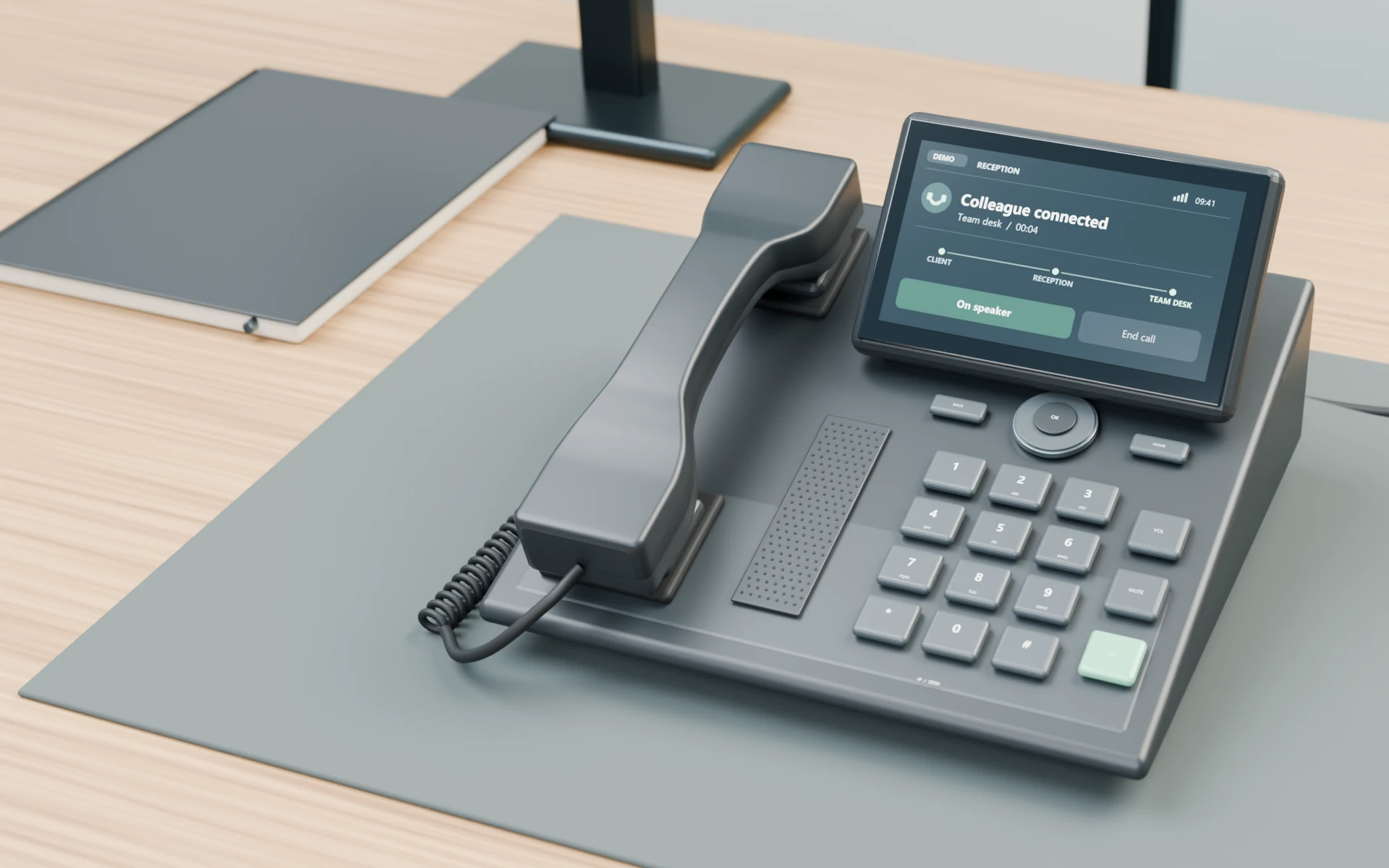
The setup
Whether you are changing an existing setup or planning phones for a workplace, define the call flow before deciding what needs to be configured.
Review the existing devices, provider and accounts before agreeing compatible equipment and the installation work.
Consider which people or areas receive calls, how reception handles them and where transfers should go.
Agree which incoming calls, extensions, transfers and relevant settings will be checked as part of the setup.
Before a conversation connects
Identify the provider or platform, existing numbers, phone models, user count and account access. Describe what works now and what you want to change.
Consider the compatible phones, available network connections and equipment needs. If new data outlets or cable runs are required, define that physical work separately.
The scope can include phone setup, extensions and routing. Confirm the provider-side dependencies and who is responsible for account or carrier changes.
Check the agreed incoming calls and transfers with the people involved. Confirm which setup notes and later support, if any, are included before closing the installation scope.
Illustrative call flow
This simple illustration shows a reception-to-team transfer. Your routing is agreed around the people and requirements of your business.
Before a phone-system discussion
You can start with a simple description of how a call should move through your business. Existing provider and device details help establish what needs to be reviewed.
Discuss your phone setupAgree the installation and configuration scope, along with any carrier, subscription, number-transfer, training or ongoing-support responsibilities that are relevant to the project.
Common questions
Share the provider or platform and the phone models you have. Compatibility, account access and the work required are reviewed before a setup is agreed.
Confirm number-transfer eligibility, timing and responsibility with the relevant carrier or provider. Then agree with Ash Tech which coordination or configuration work belongs in the project scope.
Identify the intended phone locations, existing data outlets, network equipment and provider requirements. Any required connection or equipment changes should be reviewed before setup. New cable runs or outlets can be discussed as a separate cabling project.
Agree the devices, extensions, routing, checks and handover notes in the installation scope. Discuss any user training and later support, and confirm which parties handle carrier faults, subscriptions and provider-account changes.
Your next step
Tell us about the people, phones and provider already in place, and the change you want to make.